
 Featured
Holy Hand Grenade
Print Studios

Games
Featured
Holy Hand Grenade
Print Studios

Monster Superlanche
Pragmatic Play

Great Game Serengeti
Hacksaw Gaming

Air Jet
100hp
 Staff Pick
Fruity Diamonds - Hold & Spin
Apparat

Sweet Bonanza 1000
Pragmatic Play
No matching games.
Spinanzia uses a lobby of slots, live tables and quick games, alongside account tools for checking bonus terms and payments. The November welcome material uses a 35× wagering multiplier on the relevant bonus amounts. A player can review the offer conditions before activating an offer. The displayed promotion, the cash balance and the withdrawal queue should each be checked in their own parts of the account.
| Website | spinanziaz.com |
|---|---|
| Account | Spinanzia |
| Slots | Gates of Olympus · Sweet Bonanza · Book of Dead |
| Live casino | Dealer tables |
| Roulette | Lightning Roulette |
| Blackjack | Blackjack |
| Baccarat | Baccarat |
| Mobile browser | Mobile browser |
| Payments | Visa · Mastercard · Bitcoin · Ethereum |
| Identity check | Documents may be required |
| Support | Chat and email |
| Age | 18+ |
The lobby groups reel games, live dealer tables and shorter formats. Start with the game group, then inspect the individual title’s paytable. A game name covers the version displayed in the lobby. Features, stake settings and the return-to-player figure can differ between two variants carrying similar artwork. Look at the information pane of the exact game to compare them.
The catalogue has included Gates of Olympus, Sweet Bonanza and Book of Dead, as well as game-show tables such as Crazy Time and roulette games from titles including Lightning Roulette. The title names are useful search terms. They are not interchangeable: slots and live tables follow different rules, and a feature in one game says little about another.
The profile has areas for payment history and verification. That record helps explain discrepancies between the offer view and the cashier balance. A tracked payment should have a transaction reference, status and amount. A bonus credit can carry further requirements. Keep these records available before contacting support about an uncredited payment.
Open the sign-up form and confirm the email attached to the account.
Choose the method and currency, then check the amount and applicable limits.
Find the game and read the rules and stake for the exact version.
Open the cashier, select a withdrawal method and track its reference.

The account sign-up form asks for an email and a password, and may display a supported sign-in provider as an alternative. Read the conditions in the form and make sure the contact address can receive messages. An account and its supporting payment details should belong to the same person. Never use someone else’s documents or an address merely to pass the form.
An email confirmation lets the service confirm the inbox. The separate identity process can require additional documents before payment processing. If the account form rejects a field, correct the field on that screen and read its error message rather than opening a duplicate profile. Keep personal information and security codes inside the account or the operator’s designated secure channel.

An existing account is accessed through the login control in the header. Choose the same sign-in method used during registration. A password reset for an email-based account is different from access to a third-party sign-in provider. On a shared device, disable password storage and sign out from the profile when leaving.
If the password works but an account action remains blocked, note the error and date rather than repeatedly resubmitting. A session timeout can return the browser to the lobby. A review of identity documents appears in the account and may need the operator’s support team. A support message relating to a payment should identify the transaction and exclude secret login information.

Reel games have paytables covering their symbols and features. Gates of Olympus uses cascading reels, while Sweet Bonanza is known for its cluster-style wins on a grid and tumbles. Book of Dead has a bonus round involving an expanding symbol. These game descriptions explain why matching titles by provider and version is more precise than relying on cover illustrations alone.
Live games occupy a different category. Evolution’s Lightning Roulette combines an ordinary roulette wheel with selected multipliers. Crazy Time adds four bonus game segments to its wheel. The on-screen rules identify ordinary payouts and any limits applied to an individual table. Observe the table before entering a bet so the chip controls and countdown are clear.
Quick games typically have short rounds and fewer on-screen actions than a dealer table. This can feel faster even when the stake is small, since the number of wagers per minute can increase. Check the limit per bet and the time spent as separate parts of a budget. If the interface provides a demonstration, use it to learn where rules appear and what initiates a round.
An entry marked as a favourite or returning game can sit beside games with different stake controls. Before comparing two titles, note the minimum shown in the game window, whether the amount is for a line or the whole round, and whether an optional feature changes the amount committed. The game information panel is also where the supplier explains which symbols trigger a feature. During a live game, a separate side bet can have a different closing time or payout table from the main game even if the same cards or wheel determine the result.

The published welcome examples describe up to 250 free spins and a 35× condition in the offer terms. The advertised cash percentages and caps differ between campaigns. Check the actual offer name, required payment and available prizes before registering or adding funds for a promotion. Where a campaign groups several deposits, read each stage individually. A maximum across an offer package is not a promise for a single deposit.
The 35× multiplier can apply to bonus funds or free-spin winnings according to the specific offer. An eligible game list, expiry and maximum stake shape the requirement. A play-through amount can be larger than the initial bonus. Consider whether it is sensible to start the offer, especially if the promotion expires before the player would ordinarily return.
The November sources also describe a loyalty store and tournament areas. Reward balances and tournament scores work independently of cash or bonus funds. In a competition, read which games contribute and what starts a scoring period. For a reward redeemed from the store, look for the balance it credits and any terms that attach to the reward after redemption.
For a promotion split into stages, write down the stages actually credited in the account. One package may list a deposit bonus in the balance area and game-specific spins in a promotions area. Their activation times can differ. If you intend to end a promotion early, read the cancellation prompt for the effect on the promotional balance and any related wins. The number in an advertisement cannot answer which stage is active in an individual account. A dated offer screen can help distinguish a missing credit from a promotion that has expired.

The payment material describes card options and digital assets such as Bitcoin or Ethereum. The cashier is where the chosen method shows the deposit and withdrawal quantities for the account. A payment wallet and a blockchain asset are different mechanisms. With a card, the bank may display a separate authorisation step. With crypto, the network and destination address must both match the cashier instructions.
One November review records a €10 aggregate minimum deposit and €50 aggregate minimum withdrawal, and another also lists €50. The same review reports a monthly ceiling equivalent to €10,000 for a standard account under the conditions it reviewed. These are figures in the EUR examples, not the individual limits of every payment method or an Australian amount. Use the values shown by the cashier for the payment path being considered.
Check the status before trying the same payment again. A pending transfer can be waiting for a bank, a blockchain confirmation, identity review or approval by the operator. The ordinary account history may identify what requires action. When contacting support, provide the relevant transaction reference instead of full bank or card data.
Check the currency code alongside an amount. The €10 and €50 examples refer to EUR. An Australian bank statement or wallet may use another currency, and an external provider can display a quoted conversion between the two. Compare the amount in the account, the amount shown by the payment provider and their currency codes before drawing a conclusion from an apparent discrepancy. When the operator requests information about a card that has been replaced, look for the original receipt or a bank record that identifies the earlier payment.
| Method | Minimum deposit | Maximum deposit | Minimum withdrawal | Maximum withdrawal |
|---|---|---|---|---|
| Visa | In cashier | In cashier | In cashier | In cashier |
| Mastercard | In cashier | In cashier | In cashier | In cashier |
| Bitcoin | In cashier | In cashier | In cashier | In cashier |
| Ethereum | In cashier | In cashier | In cashier | In cashier |
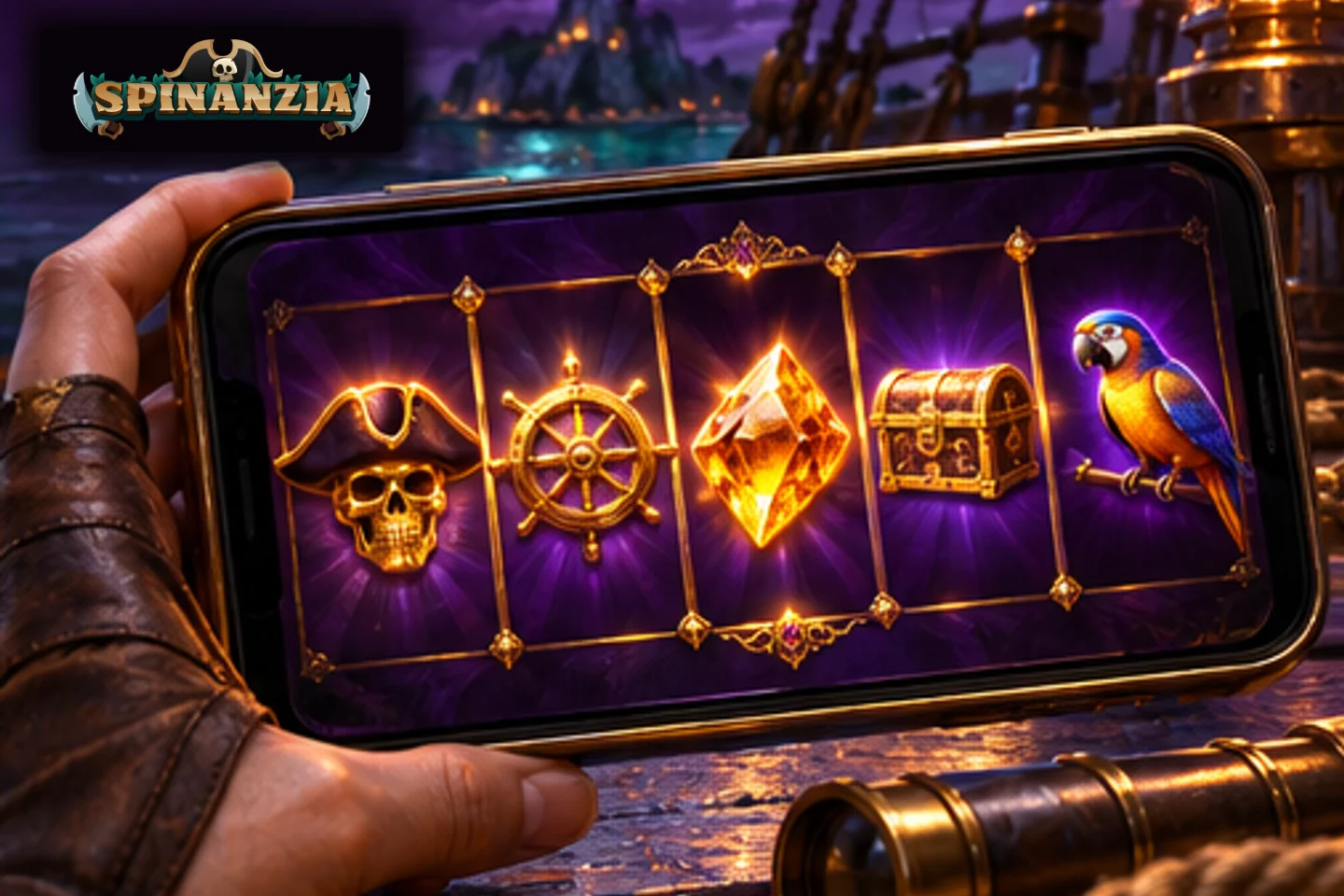
Spinanzia can be used in a phone browser. Opening a game can move the display into full screen, but the account, cashier and support are accessed independently. Double-check the tab you are using when moving between game history and payment history. Closing a game or switching apps on a phone does not by itself sign the account out.
Look for the browser’s own option to add a page to the home screen if you want a shortcut. The shortcut opens a website under the browser’s normal security rules. It does not verify a separate native app or establish ownership of a package outside the operator’s domain. On a shared device, remove stored credentials, close the private account session and avoid leaving documents in a download folder.
An identity request can be part of processing a withdrawal. The November test described identification, proof of address and in some cases a question about the source of the funds. The account should tell the player which item is required. Upload only through the account’s document process or another secure channel named by the operator.
The payment page’s status can change after verification. Keep the withdrawal reference and date, and note whether the status indicates a pending document or a transfer that has already been approved. A wallet can show the credited amount at a different moment from the casino’s approval. Reconcile the amount and identifier before asking for an investigation.
Use limits and breaks independently of casino promotions. The price of a bonus or an account reward does not change the odds of winning back a loss. If a pattern of chasing losses starts, pause payment activity, take a break and use the available account restrictions or independent support.
Live chat and email appear in the Spinanzia support information. Explain whether the problem concerns sign-in, payment details, a game round or a promoted offer. Include the payment or game reference if appropriate, an approximate time and the message shown in the account. A clear report with one concrete issue is easier to route than several unrelated questions.
Where the issue is a deposit, tell support whether the payment provider confirmed it. For a cash-out, record the account status and the currency in which it was requested. For a promotion, capture the actual name and conditions rather than the promotional headline alone. Retain any conversation reference and follow up in the same case where possible.
If an unfamiliar person asks for documents outside the account, verify the request through the operator’s own support area first. The site’s privacy statement explains how its public pages process information. The operator is responsible for the gaming account, including verification and transaction decisions.
If a mobile tab goes blank during a live round, the last picture on the screen cannot establish whether the choice made it into the history. Reopen the session and locate the round by time and title. A short description of the sequence helps support trace which part stopped responding. When the issue is fixed, retain the case number until you can confirm that the corresponding payment, round or account action appears in the relevant part of the profile.
Open the Spinanzia sign-up form, verify your email details and follow the account confirmation instructions.
Use the Spinanzia login form and the sign-in method linked to the original profile. Use the password reset control if needed.
Open the current offer in Spinanzia and read the calculation base, time limit and eligible games before activating it.
The Spinanzia lobby examples include Gates of Olympus, Sweet Bonanza and Book of Dead. Confirm the studio when choosing a particular version.
In the cashier, select the payment direction, method and currency. The limits displayed there apply to the operation you select.